
How to Command a Room When Presenting: 8 Proven Methods

To command a room when presenting, master these eight techniques: own the space physically before you speak, open with a power move that disrupts expectations, use strategic silence instead of filler words, control vocal dynamics through pace and pitch variation, deploy purposeful eye contact patterns, structure your content with executive-level clarity, use spatial anchoring to reinforce key points, and close with a statement that lingers. Each method is trainable—and the difference between a forgettable presenter and a commanding one comes down to deliberate practice.
What Does It Mean to Command a Room When Presenting?
Commanding a room when presenting is the ability to hold complete audience attention, project authority, and shape the emotional energy of a space through your words, voice, body, and presence. It's not about being the loudest person or the most extroverted. It's about creating a gravitational pull that makes people lean in, listen, and remember.
Commanding presenters don't just deliver information—they create an experience. Research from the University of Wolverhampton found that nonverbal communication accounts for up to 55% of how audiences perceive a speaker's credibility, meaning how you present often matters more than what you present.
Method 1: Own the Space Before You Speak
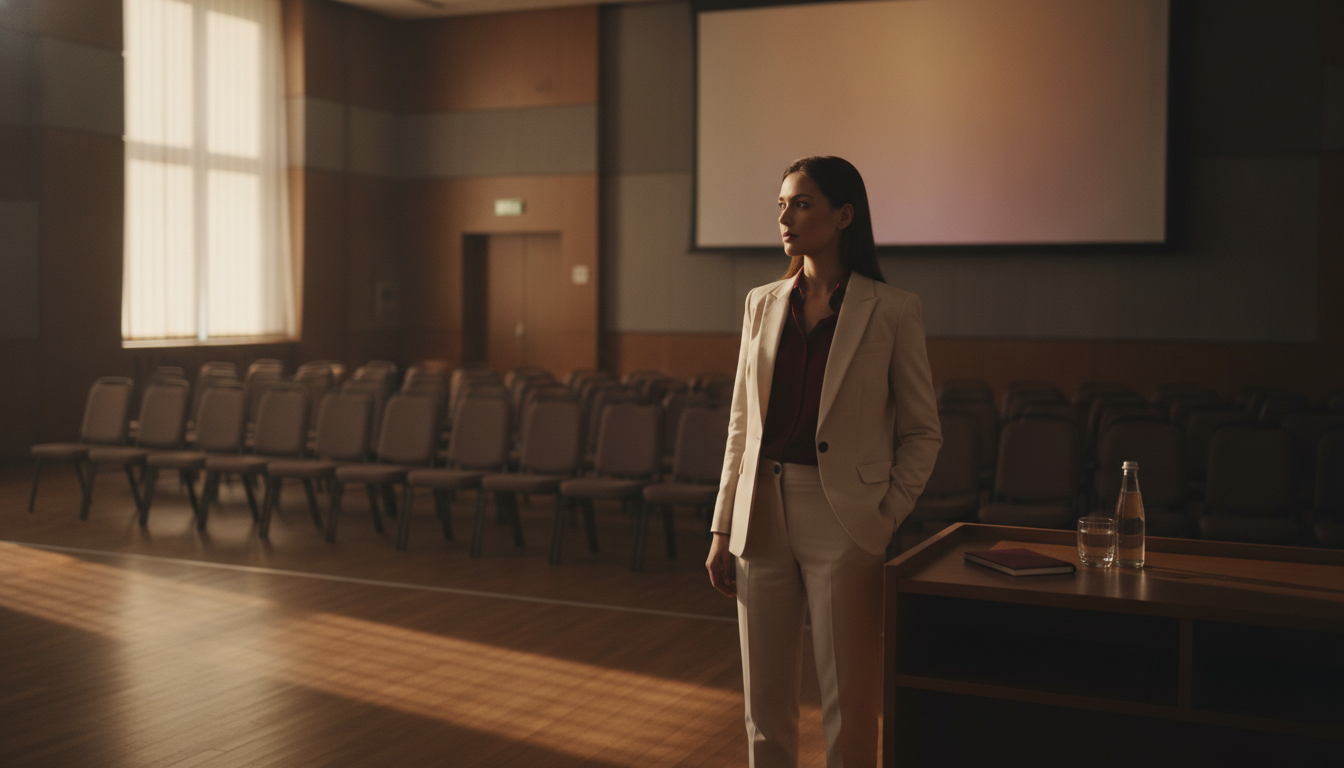
The most commanding presenters begin their work before they say a single word. How you enter, position yourself, and occupy physical space sends immediate signals about your authority level.
Arrive Early and Claim Your Territory
Get to the room 10–15 minutes early. Walk the space. Stand at the front. Touch the table, adjust the projector, move a chair. These micro-actions trigger what psychologists call "territorial behavior"—and they wire your brain to feel ownership over the environment.
When your audience arrives, they're entering your space. That psychological frame changes everything about the dynamic. A study published in the Journal of Experimental Social Psychology found that individuals who adopted expansive, space-claiming postures experienced a 20% increase in testosterone and a 25% decrease in cortisol, directly boosting confidence and reducing stress.
Use the "Plant and Pause" Entrance
When it's time to begin, walk to your speaking position with purpose. Plant both feet shoulder-width apart. Place your hands at your sides or on the podium. Then pause for a full two to three seconds before speaking.
This technique does two things: it signals that you're not rushing or anxious, and it forces the room to settle its attention on you. Most nervous presenters start talking while still walking or adjusting their notes. Commanding presenters let the silence do the work. For more on building this kind of body language for leadership presence, practice the Plant and Pause in every meeting for a week.
Practice Drill: The Room Walk
Before your next presentation, spend five minutes alone in the room. Walk every corner. Stand at the front, the back, and both sides. Speak a few sentences from each position. This drill builds spatial familiarity, which reduces anxiety and increases your sense of control.
Method 2: Open With a Power Move
The first 30 seconds of a presentation determine whether your audience mentally commits or checks out. Generic openings—"Thanks for having me," "So today I'm going to talk about…"—signal that what follows will be generic too.
The Three Commanding Openers
The Bold Claim: Start with a provocative, data-backed statement. "Seventy percent of your team has already decided whether this initiative will succeed—before you finish this sentence." This creates immediate cognitive engagement. The Silence-First Open: Walk to the front. Say nothing. Let three to five seconds of silence pass while making eye contact with three different people. Then begin. This is disarming and instantly establishes dominance over the room's attention. The Story Drop: Begin mid-story, with no preamble. "The client called at 6 AM. The deal was dead. And what happened next changed how our entire division thinks about risk." Stories activate the brain's narrative processing centers, which are far more engaging than analytical listening.For a deeper breakdown of opening techniques, see our guide on how to open a speech memorably with 11 proven openers.
What to Avoid in Your First 30 Seconds
Never apologize for being nervous. Never start with logistics ("Can everyone hear me?"). Never read your first slide. Each of these signals that you're uncertain about your right to hold the room's attention—and your audience will mirror that uncertainty.
Method 3: Master the Strategic Use of Silence
Silence is the most underused power tool in professional presenting. According to research from the Max Planck Institute for Psycholinguistics, listeners perceive speakers who use purposeful pauses as more thoughtful, more confident, and more credible than those who fill every gap with sound.
The Three Types of Power Pauses
The Setup Pause comes before a key point. You finish a sentence, pause for two seconds, then deliver your most important statement. The pause creates anticipation and signals, "What I'm about to say matters." The Landing Pause comes after a key point. You make your statement, then stop. You let it sit. This gives the audience time to absorb and signals that you trust your words enough to let them stand alone. The Transition Pause comes between sections. Instead of saying "So, moving on…" you simply stop for three seconds, shift your body position slightly, and begin the new section. This is how executives structure their thoughts before speaking—with intentional space, not filler.How to Stop Filling Silence With Filler Words
The urge to say "um," "so," "like," or "you know" comes from a fear that silence means you've lost control. The opposite is true. Silence means you're so confident that you don't need to fill every second.
Practice this drill: Record yourself speaking for two minutes on any topic. Every time you feel the urge to use a filler word, close your mouth and pause instead. Review the recording. You'll notice the pauses sound far more authoritative than the fillers ever did. For more on this, explore our guide on how to stop using filler words in professional speaking.
Ready to Build Unshakable Presenting Authority? The techniques in this article are just the beginning. The Credibility Code gives you the complete system for projecting confidence, commanding any room, and being seen as the authority you already are. Discover The Credibility Code
Method 4: Control Vocal Dynamics
A monotone voice is the fastest way to lose a room, no matter how strong your content is. Commanding presenters treat their voice like an instrument—varying pace, pitch, and volume to create emotional texture.

The Vocal Authority Framework
Pace: Slow down for key points. Speed up slightly for supporting details or stories. A study from the University of Michigan found that speakers who varied their rate of speech were rated 36% more persuasive than those who spoke at a constant pace. Pitch: Lower your pitch slightly when delivering conclusions or directives. Higher pitch conveys enthusiasm and energy—useful for stories. Lower pitch conveys certainty and authority—essential for recommendations and calls to action. Volume: Drop your volume to pull the audience in. Raise it to emphasize urgency or importance. The contrast is what creates impact. Speaking loudly all the time is just as ineffective as speaking softly all the time.The "Newsreader" Drill
Read a news article aloud for three minutes, deliberately exaggerating your vocal variety. Slow down dramatically for one sentence. Speed up for the next. Whisper a phrase. Project the following one. This drill feels absurd in practice, but it expands your vocal range so that your natural speaking voice becomes more dynamic. For a comprehensive approach to vocal control, see our article on vocal authority and how to sound like a leader when you speak.
Method 5: Deploy Purposeful Eye Contact Patterns
Eye contact is the primary mechanism through which speakers create connection and assert authority. But most presenters either stare at one person, scan the room too quickly, or look at the back wall. None of these command a room.
The Triangle Method
Divide the room into three zones: left, center, and right. As you speak, hold eye contact with one person in each zone for three to five seconds before moving to the next zone. This creates the impression that you're speaking directly to everyone while maintaining genuine connection.
The key is the hold. Three to five seconds of direct eye contact with one person feels personal and commanding. Anything less than two seconds feels like scanning. Anything longer than six seconds can feel confrontational.
Eye Contact During Q&A
When someone asks a question, maintain eye contact with them for the first sentence of your answer. Then shift to the broader room for the middle of your answer. Return to the questioner for your final sentence. This pattern acknowledges the individual while keeping the entire room engaged. For more on handling questions with authority, check out how to handle Q&A after a presentation like a pro.
Method 6: Structure Content for Executive-Level Clarity
Commanding presenters don't just speak well—they think clearly. The structure of your content determines whether your audience follows you or drifts. The most authoritative structure in professional settings is what communication experts call "bottom-line up front" (BLUF).
The BLUF Presentation Framework
Lead with the conclusion. Tell the audience your recommendation, finding, or key message in the first 60 seconds. Don't build to it—start with it. This signals confidence and respects your audience's time. Support with three pillars. Back your conclusion with exactly three supporting points. Research from Georgetown University's communication program shows that audiences retain information best when it's grouped in threes—a principle known as the "Rule of Three." Close with the ask. End by telling the audience exactly what you want them to do, think, or decide. Commanding presenters are direct about their purpose.Scenario: The Quarterly Review
Instead of walking through 20 slides of data, a commanding presenter opens with: "We should double our investment in the Southeast region. Here are three reasons why, and I'll need your decision by Friday." Then they present three supporting data points, handle questions, and close by restating the ask. The entire room knows what's happening and why it matters. For more on this approach, read our guide on how to structure a presentation for executives.
Method 7: Use Spatial Anchoring to Reinforce Key Points
Spatial anchoring is a technique borrowed from professional speakers and stage performers. The concept is simple: you associate specific physical locations in the room with specific ideas, then return to those locations when you reference those ideas again.
How Spatial Anchoring Works
Imagine you're presenting three strategic priorities. When you introduce Priority 1, you stand on the left side of the room. For Priority 2, you move to the center. For Priority 3, you move to the right. Later, when you reference Priority 1 again, you physically return to the left side.
Your audience's brain creates a spatial map of your content. This makes your presentation easier to follow, easier to remember, and more visually dynamic. It also forces you to move with purpose rather than pacing nervously.
Practice Drill: The Three-Spot Rehearsal
Mark three spots on the floor with tape or sticky notes. Assign one key message to each spot. Rehearse your presentation, physically moving to each spot when you deliver that message. After three run-throughs, your body will naturally anchor to those positions—and your audience will unconsciously follow the pattern.
Your Presence Is Your Professional Currency Everything in this article—silence, spatial ownership, vocal dynamics—becomes second nature with the right system. The Credibility Code gives you a step-by-step framework for building the kind of commanding presence that accelerates careers. Discover The Credibility Code
Method 8: Close With a Statement That Lingers
Most presentations end weakly: "So, yeah, that's it. Any questions?" This is the verbal equivalent of shuffling offstage. A commanding close is the last thing your audience remembers—and it determines whether your message sticks or fades.
Three Commanding Closing Techniques
The Callback Close: Reference your opening story, statistic, or bold claim and show how your presentation resolved it. "Remember the 6 AM phone call? That deal didn't just come back. It became our largest account. And it happened because we did exactly what I'm asking us to do today." The Future-Cast Close: Paint a vivid picture of what happens if the audience acts on your message. "Twelve months from now, this team will look back at this decision as the turning point. But only if we commit today." The Silence Close: Deliver your final statement. Hold eye contact with the room. Let three to five seconds of silence pass. Then say, "Thank you." The silence after a strong final line is more powerful than any additional words. For more on powerful endings, see our guide on how to close a presentation with impact.What Happens After You Close
Don't immediately break your posture or look at your notes. Hold your position for two beats. If there's a Q&A, transition into it with authority: "I'd like to hear your questions." Not: "Does anyone have any questions?" The first version assumes engagement. The second begs for it.
Putting It All Together: Your Pre-Presentation Checklist
Before your next presentation, run through this rapid checklist:
- Space: Have you walked the room? Do you know where you'll stand?
- Opening: Do you have a power opener prepared (bold claim, silence-first, or story drop)?
- Pauses: Have you marked three places in your notes where you'll use a power pause?
- Voice: Have you rehearsed with vocal variety—varying pace, pitch, and volume?
- Eyes: Do you know your three eye-contact zones?
- Structure: Does your presentation lead with the conclusion and support with three pillars?
- Anchors: Have you assigned spatial positions to your key messages?
- Close: Do you have a specific closing technique planned?
If you can check all eight, you're not just prepared—you're positioned to command the room.
Frequently Asked Questions
How do you command a room when presenting to senior leadership?
Commanding a room with senior leaders requires leading with your conclusion, not building to it. Executives value directness and clarity. Use the BLUF framework—state your recommendation first, support it with three data points, and close with a clear ask. Maintain steady eye contact, use power pauses to signal confidence, and avoid over-explaining. Senior leaders respect presenters who respect their time. For more specific strategies, read our guide on presenting to senior leadership and commanding the room.
What is the difference between commanding a room and being domineering?
Commanding a room means earning attention through confidence, clarity, and presence. Being domineering means demanding attention through aggression, interruption, or intimidation. Commanding presenters invite engagement—they make eye contact, pause for questions, and project calm authority. Domineering speakers shut down dialogue and create tension. The distinction lies in whether people lean in because they want to or shrink back because they feel they must.
How can introverts command a room when presenting?
Introverts often make the most commanding presenters because their strengths—thoughtfulness, preparation, and listening—align perfectly with authority signals. Focus on strategic silence (your natural comfort with pauses is an advantage), deep preparation, and the BLUF structure. You don't need to be high-energy to command a room. You need to be clear, deliberate, and present. Many quiet leaders build extraordinary leadership presence without being loud.
How do I stop being nervous when presenting to a large group?
Nervousness doesn't disappear—but it can be redirected. Arrive early and walk the room to build familiarity. Use the Plant and Pause technique to ground yourself before speaking. Focus on one person at a time rather than the whole crowd. Preparation is the strongest antidote: when you know your opening, your three key points, and your close cold, nervous energy transforms into focused intensity. See our full guide on controlling nervous energy before public speaking.
How long does it take to learn to command a room?
Most professionals see noticeable improvement within two to four weeks of deliberate practice. The key is isolating one technique at a time—start with power pauses in your next meeting, add vocal dynamics the following week, then layer in spatial anchoring. According to a study in the European Journal of Social Psychology, it takes an average of 66 days to form a new habit. Consistent practice with specific drills accelerates the process significantly.
Can you command a room in a virtual presentation?
Yes, but the techniques shift. Eye contact means looking directly into your camera, not at faces on screen. Vocal dynamics become even more critical because your body language is limited. Use pauses more frequently—silence on video calls creates powerful emphasis. Frame yourself with your head in the upper third of the screen, ensure strong lighting, and eliminate background distractions. The principles of authority transfer directly; only the medium changes.
Command Every Room You Walk Into The eight methods in this article will transform how you present—but commanding presence extends far beyond the stage. The Credibility Code is the complete system for building authority, projecting confidence, and becoming the professional others look to in every conversation. Discover The Credibility Code
Ready to Command Authority in Every Conversation?
Transform your professional communication with proven techniques that build instant credibility. The Credibility Code gives you the frameworks top leaders use to project confidence and authority.
Discover The Credibility CodeRelated Articles

How to Open a Presentation With Confidence: 8 Openers
The quickest way to open a presentation with confidence is to start with a pre-planned, rehearsed opener that immediately establishes your authority and captures attention. The eight most effective openers include a bold statement, a relevant statistic, a story, a provocative question, a quotation, a "what if" scenario, a contrarian claim, and a silence-then-speak technique. Choosing the right one depends on your audience, context, and the outcome you want to drive.
How to Start a Presentation With Confidence: 8 Openers
To start a presentation with confidence, open with a deliberate, audience-specific hook in the first 30 seconds—not a timid "So, um, thanks for having me." The eight most effective openers include a bold claim, a targeted question, a striking statistic, a short story, a contrarian statement, a relevant quote, a "what if" scenario, and a direct challenge. Each one signals authority, captures attention, and sets the tone for everything that follows.

How to Answer Questions You Don't Know (Without Faking)
When you're asked a question you can't fully answer—in a meeting, presentation, or interview—use the Acknowledge-Bridge-Commit method: briefly acknowledge what you don't know, bridge to what you *do* know or what's relevant, then commit to a specific follow-up action with a timeline. This approach preserves your credibility because it shows intellectual honesty, strategic thinking, and accountability. The worst thing you can do is bluff—audiences detect it faster than you think.